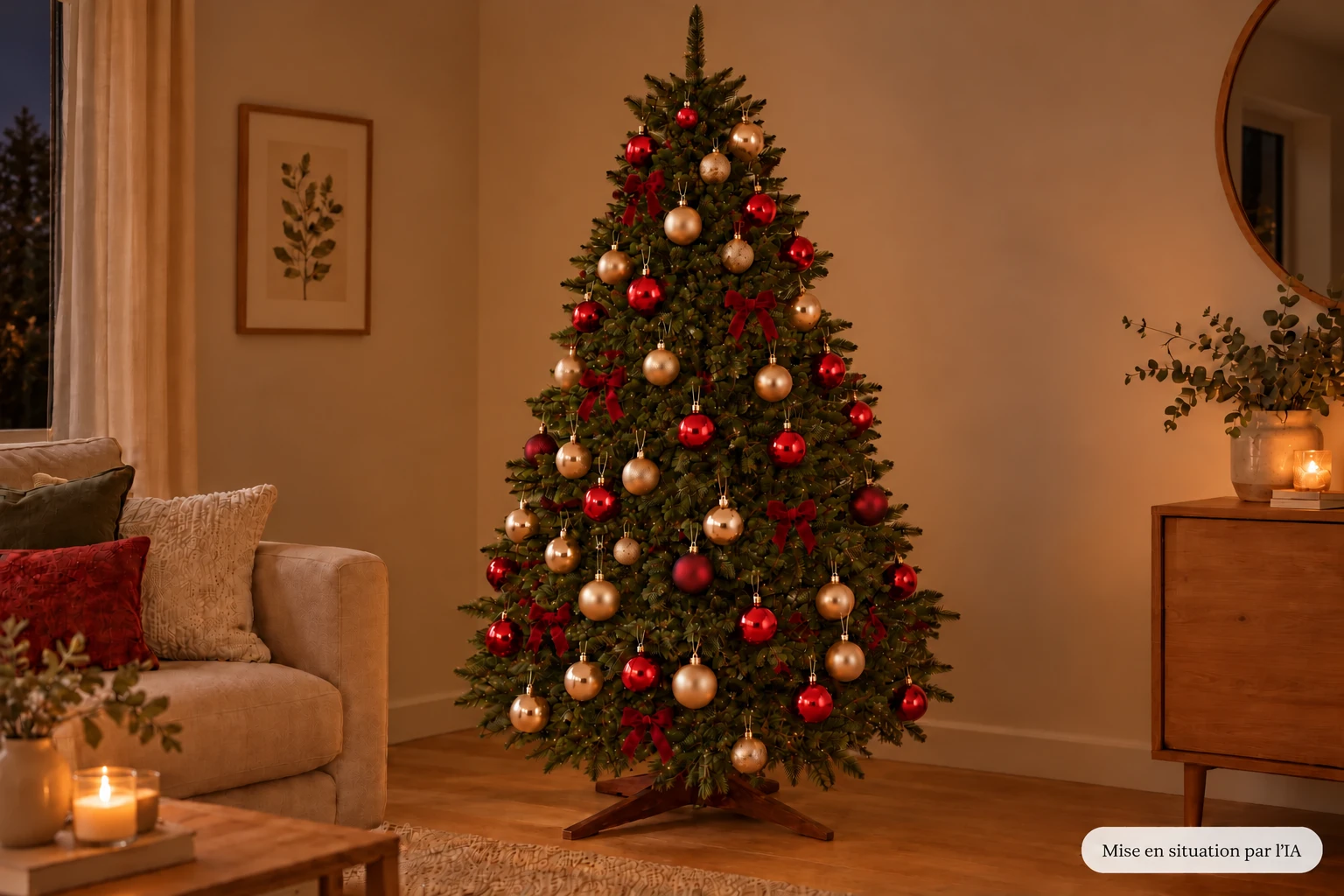
Try my Twinkly simulator to imagine your illuminated tree: compare the colors, test the animations and adjust the number of LEDs.
Inspired by my installations at home. The rendering is indicative: it varies depending on your tree, the arrangement of the LEDs and the garland models chosen.
Customize Twinkly effects on the tree
Illustrative simulation on an image created by AI. The rendering depends on the tree, the pose and the mapping. Many other effects are available in the Twinkly app.
References that could match you
Depending on the number of LEDs selected, here is the garland or kits to compare for your installation.
250 RGB LEDs: without dedicated blank; whites are obtained by mixing colors.
400 RGB LEDs: an alternative to the unavailable RGB+W model. No dedicated white LED: the simulated white does not exactly reproduce that of the product.
750 LEDs: RGB strings. This model does not have a dedicated white LED. Whites are a mixture of colors and differ from RGB+W. This setting mainly illustrates the density, not a colorimetric reproduction of the product.
800 LEDs = two kits of 400 RGB LEDs. Purchase separately and combine in a Join group. Without dedicated blank. The price displayed is for a single garland, not the pair.
1,000 LEDs = two HD 500 LED RGB+W Strings. Two kits to purchase separately, grouped in the application. The price below is for a single garland, not the pair.
1,200 LEDs = two 600 LED RGB+W Strings. For a very dense installation, to be brought together in a Join group. Two separate kits: the price displayed is per unit, not the total for both.
Did the simulator give you any ideas? Now discover the result in my installations: I share my experience with Twinkly garlands, the effects I like and my tip for combining them with a fixed white garland.
My installations on video, to see the lights in real situation.
My daily opinion on the rendering and use of garlands.
My advice for choosing your configuration and placing the LEDs in the tree.